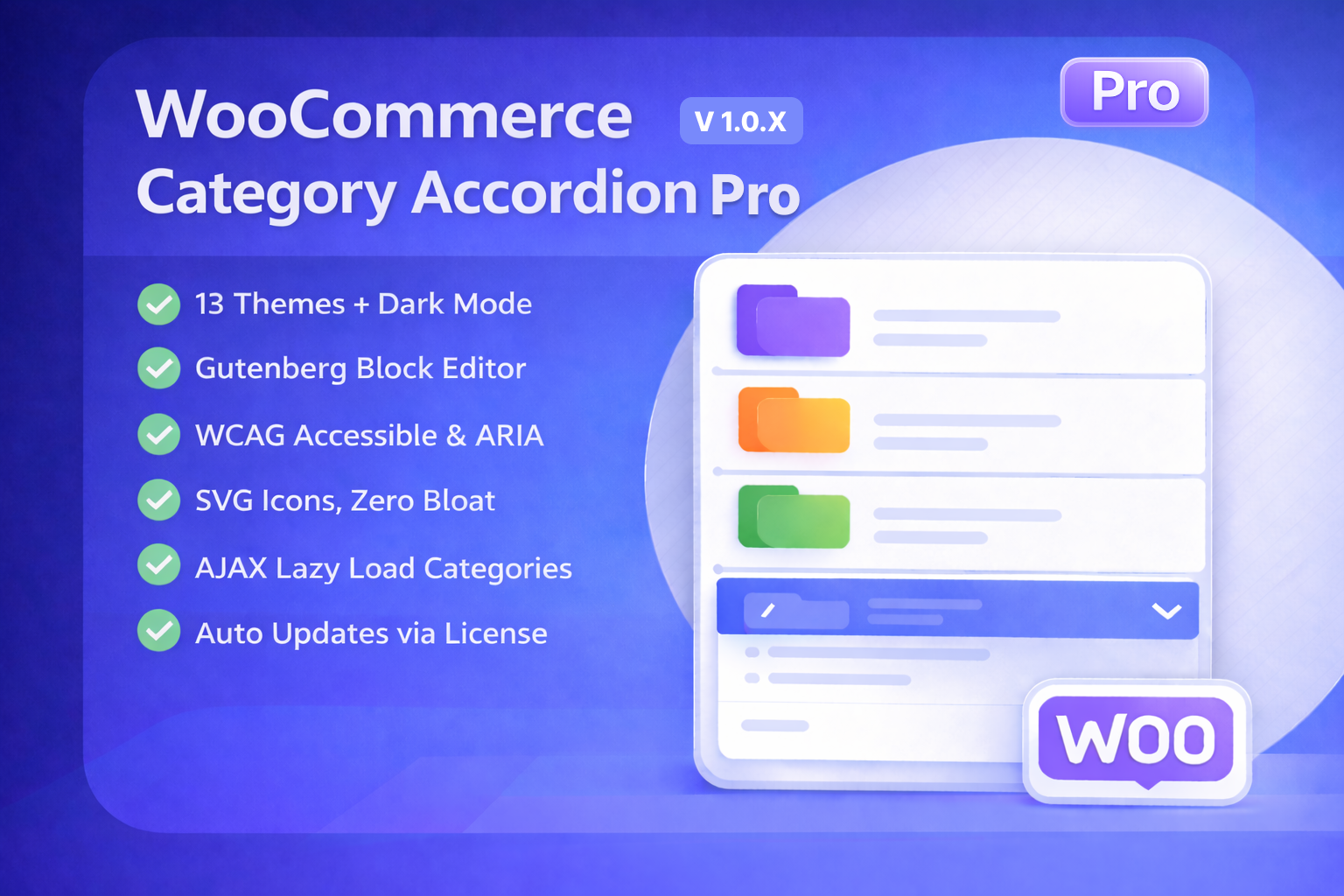
Your WooCommerce store has 200 product categories. Your sidebar shows them all in one enormous, scrollable list. Shoppers scan it for three seconds, give up, and leave.
This is the hidden conversion killer in most WooCommerce stores — and it’s entirely fixable.
WooCommerce Category Accordion Pro collapses your entire product category tree into a clean, interactive accordion that shoppers can drill into with a single click. Categories expand and collapse on demand. Shoppers find what they need in seconds. And they click “Add to Cart” instead of “Back.”
In this post, we’ll break down exactly what this plugin does, why your store’s navigation is probably costing you sales, and how to set it up in under five minutes.
Why Flat Category Lists Are Killing Your Conversions
The default WooCommerce category widget dumps every category and subcategory into a single vertical list. For stores with more than 20–30 categories, this creates several problems.
Scroll fatigue. Research from the Baymard Institute shows that most e-commerce sites perform poorly when it comes to homepage and category navigation UX. When customers have to scroll through dozens of unorganized categories, they disengage. The cognitive load is simply too high.
Mobile users suffer the most. On a phone screen, a flat list of 50+ categories pushes your actual products below the fold entirely. Your sidebar becomes the main content — and that’s backwards.
No visual hierarchy. Parent categories and subcategories look identical. A shopper looking for “Men’s Running Shoes” has to mentally parse “Shoes > Men’s > Running” from a flat wall of text.
Accordion navigation solves all three problems by introducing collapsible hierarchy, reducing visible items to top-level categories, and letting shoppers progressively reveal only what they need.
What WooCommerce Category Accordion Pro Does
WooCommerce Category Accordion Pro replaces the default category widget, shortcode, and Gutenberg block with a collapsible accordion interface. Here’s what that means in practice.
Collapsible Category Tree
Your product categories display as a clean, nested accordion. Top-level categories are visible by default. Clicking or hovering expands subcategories inline. Shoppers drill down to exactly the category they want without ever leaving the page.
13 Built-in Themes and Dark Mode
The plugin ships with 13 professionally designed color themes — including Light, Dark, Blue, Green, Purple, Orange, and more. There’s also an automatic dark mode that responds to the visitor’s system preference using the prefers-color-scheme CSS media query. Every theme uses CSS custom properties, so you can fine-tune colors without touching core files.
Place It Anywhere: Widget, Gutenberg Block, or Shortcode
Drop the accordion into any sidebar using the native widget. Add it to any page or post with the Gutenberg block (which includes a visual settings panel right in the editor). Or use the [WC-Category-Accordion] shortcode with full attribute support for maximum flexibility. No coding required for any of these methods.
8 Icon Styles — Zero Font Awesome Bloat
Choose from Chevron, Plus/Minus, Arrow, Folder, Caret, and more. All icons are rendered as inline SVGs — no Font Awesome dependency, no external font files, no render-blocking requests. This alone saves approximately 116KB per page load compared to icon font approaches.
AJAX Lazy Loading for Large Catalogs
If your store has hundreds or thousands of categories, loading them all on page render is expensive. The plugin’s AJAX lazy loading fetches subcategories via the REST API only when a parent is expanded. Combined with transient caching that auto-flushes when categories change, this keeps your pages fast regardless of catalog size.
Full Sorting Control
Sort categories by ID, Name, Slug, or the new Custom Order option that follows your WooCommerce drag-and-drop category arrangement. Sort ascending or descending. Auto-highlight and auto-open the current category when a shopper is browsing a category page.
Built for Modern Standards: Accessibility, Performance, and Code Quality
WooCommerce Category Accordion Pro v3.0 was rebuilt from the ground up. This isn’t a patched legacy plugin — it’s a complete rewrite with modern architecture.
WCAG 2.1 AA Accessible
Full ARIA attributes, keyboard navigation (Tab, Enter, Escape), and proper focus management. Screen readers correctly announce expanded and collapsed states. This matters not just for compliance — accessible navigation benefits all users, especially on mobile where touch targets need to be precise.
PSR-4 Namespaced Architecture
The entire codebase follows PSR-4 autoloading standards. Classes are logically organized, dependencies are injected, and there are zero global function collisions. This means the plugin plays nicely with other plugins and is straightforward to extend for developers.
Conditional Asset Loading
CSS and JavaScript files only load on pages where the accordion is actually rendered. If a page doesn’t use the accordion, zero extra assets are loaded. This is a roughly 60% reduction in unnecessary asset loading compared to plugins that enqueue their scripts globally.
HPOS Compatible
Fully compatible with WooCommerce’s High Performance Order Storage. As WooCommerce phases out legacy post-based storage, your plugins need to be ready. This one is.
WooCommerce Category Accordion Pro vs. Alternatives
There are several category accordion plugins available. Here’s how the Pro version stacks up against the most common alternatives.
YITH WooCommerce Category Accordion is a popular option with solid basic features and image support for categories. However, it relies on Font Awesome for icons (adding page weight), doesn’t offer Gutenberg block integration, and its accessibility support is limited. It’s a good choice for simple stores but falls short for performance-focused builds.
Iks Menu is a versatile accordion menu plugin that supports taxonomies, custom menus, and FAQs. It has a powerful live editor and multiple skins. However, it’s a general-purpose menu tool — not purpose-built for WooCommerce category navigation. It lacks WooCommerce-specific features like current category highlighting, product count display, and category-aware caching.
The default WooCommerce category widget is free but offers no accordion behavior, no collapsing, no themes, and no performance optimization. For stores with more than a handful of categories, it’s simply not fit for purpose.
WooCommerce Category Accordion Pro is purpose-built for WooCommerce stores that need fast, accessible, themeable category navigation with zero bloat. It’s the only option that combines SVG icons, AJAX lazy loading, Gutenberg block support, WCAG compliance, and conditional asset loading in a single package.
How to Set Up WooCommerce Category Accordion Pro
Setup takes under five minutes. Here’s the process:
- Purchase and download the plugin from TechieResource.com. You’ll receive a ZIP file and a license key.
- Upload and activate the plugin via WordPress Dashboard → Plugins → Add New → Upload Plugin.
- Activate your license by navigating to WooCommerce → Category Accordion in your admin menu. Enter your license key to enable automatic updates.
- Choose your placement — add the Gutenberg block to any page, drag the widget into a sidebar, or paste the
[WC-Category-Accordion]shortcode wherever you need it. - Configure your settings — select your theme, icon style, sorting preference, and depth level from the settings panel. Save and preview.
That’s it. No coding, no template file editing, no configuration files. Your accordion is live and working.
What’s New in Version 1.0.1
The latest update (released March 2026) includes several improvements based on early adopter feedback:
- Custom Order sorting now follows your drag-and-drop category order from WooCommerce, giving you complete control over how categories appear in the accordion.
- Current category highlighting now works accurately across all browsing contexts — shop page, category pages, and single product pages.
- Empty categories no longer disappear when using Custom Order sorting.
- Sub-category background width rendering has been fixed for edge-case themes.
- The Dark Blue theme has improved visual distinction for nested subcategories.
Pricing and Licensing
WooCommerce Category Accordion Pro is available in three license tiers, all billed annually with no recurring fees:
- Single Site — $29/year. One website, one year of updates and priority support.
- 3 Sites — $49/year. Best for freelancers and small agencies managing multiple client stores.
- Unlimited Sites — $199/year. No website cap. Ideal for agencies and developers.
Every license includes a 7-day money-back guarantee, instant download after purchase, and automatic updates delivered directly to your WordPress dashboard via the ONYX update server.
A free version is also available on WordPress.org with limited features (2 themes, Plus/Minus icons only, max 2 depth levels) for store owners who want to try the accordion approach before upgrading.
Who Is This Plugin For?
- WooCommerce store owners with 20+ product categories who want cleaner, faster navigation.
- Developers building client stores who need accessible, performant, and well-architected plugins they can trust.
- Agencies managing multiple WooCommerce sites who need a consistent navigation solution across projects.
- Store owners migrating from flat category widgets who want an immediate UX improvement without redesigning their theme.
Get Started
Your store’s navigation is either helping shoppers find products or driving them away. There’s no middle ground.
WooCommerce Category Accordion Pro gives you collapsible, accessible, lightning-fast category navigation that works out of the box — with 13 themes, Gutenberg support, AJAX loading, and zero bloat.
👉 View WooCommerce Category Accordion Pro on TechieResource.com
Frequently Asked Questions
What is WooCommerce Category Accordion Pro?
WooCommerce Category Accordion Pro is a WordPress plugin that replaces flat product category lists with collapsible, interactive accordion navigation for WooCommerce stores. It supports 13 themes, Gutenberg blocks, AJAX lazy loading, and WCAG 2.1 AA accessibility.
Does it work with the latest version of WooCommerce?
Yes. The plugin is compatible with WooCommerce 9.5+ through 10.5.1 and WordPress 6.7 through 6.9.1. It’s also HPOS (High Performance Order Storage) compatible.
Can I try it before buying?
Yes. A free version with limited features is available on WordPress.org. You can also view the live demo to see the full Pro version in action.
Is it accessible for screen readers?
Yes. WooCommerce Category Accordion Pro is WCAG 2.1 AA compliant with full ARIA attributes, keyboard navigation, and proper focus management for screen readers.
How many themes are included?
13 built-in color themes including Light, Dark, Dark Blue, Blue, Green, Purple, Orange, and more. There’s also automatic dark mode support and CSS custom properties for further customization.
Does it slow down my site?
No. The plugin uses SVG icons instead of Font Awesome (saving ~116KB), conditional asset loading (CSS/JS only loads where the accordion is active), and AJAX lazy loading for large catalogs. It’s designed for performance from the ground up.